SMTP rotation
Use multiple configured sending accounts within your campaign workflow.
- Manage a group of sending accounts.
- Configure rotation and account limits.
- Respect each provider’s policies; rotation does not guarantee inbox placement.
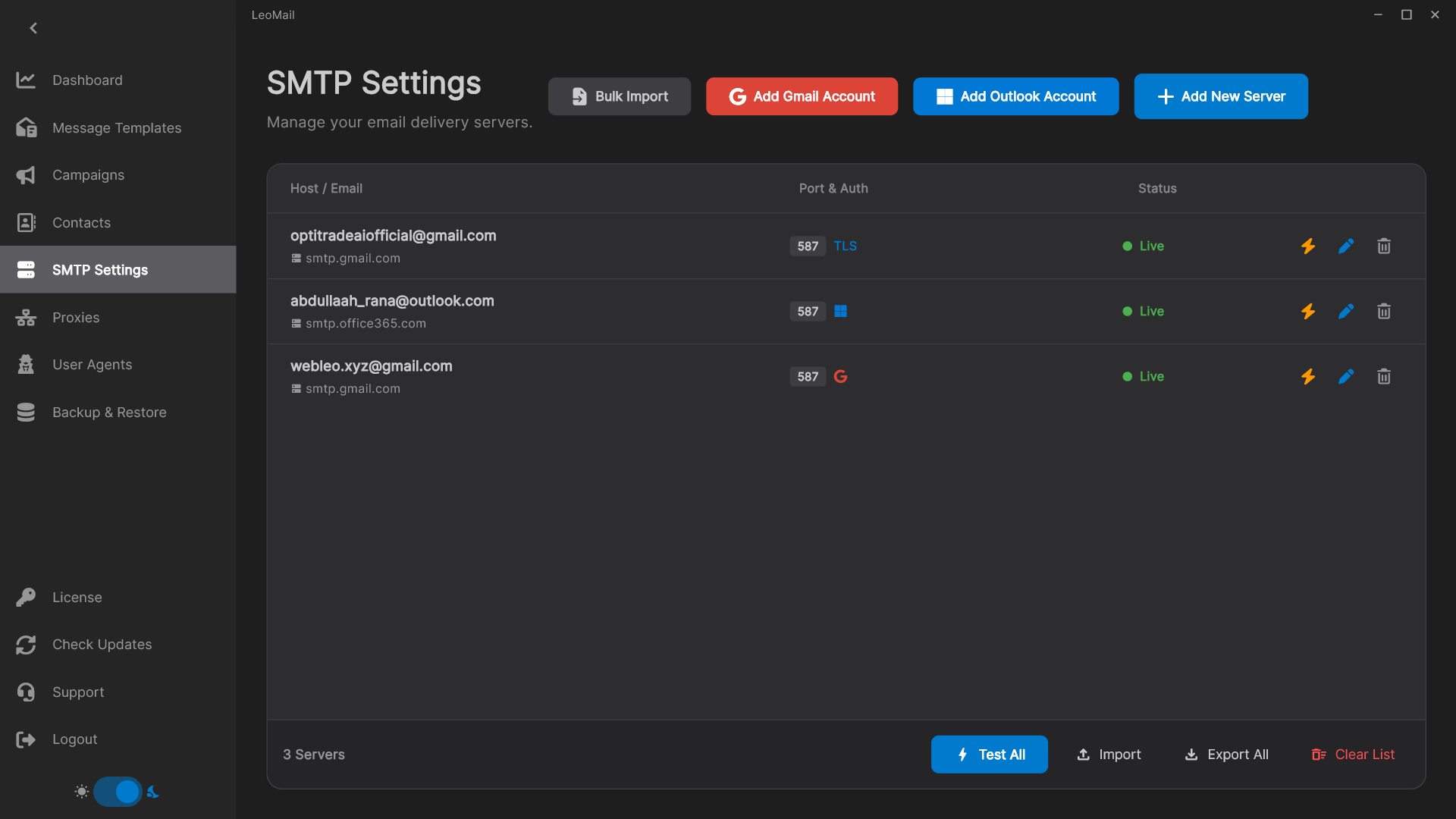
Run email campaigns with multiple SMTP accounts
LeoMail lets you keep multiple sending accounts in one desktop workspace and configure rotation around your campaign. This suits a business that already manages its sending accounts and wants to choose which accounts a campaign uses. LeoMail supplies the campaign software; you remain responsible for each provider subscription, account permission, and sending allowance.
Set limits before rotating accounts
Check the daily and hourly allowances of every provider before setting campaign limits. Rotation does not increase an account’s permitted quota or bypass provider rules. Test each connection separately, then send a small campaign to addresses you control. If an account fails, review its settings and the campaign status before continuing.
Check whether the desktop workflow fits
Keep the application running, your computer awake, and the internet connected during a send. Professional and Business licenses activate more computers, but each computer has its own workspace. Request a one-day trial to check your accounts and campaign workflow before purchasing a permanent license.
Read the campaign setup guide or check the setup and licensing FAQ before requesting a trial.