SMTP configuration
Connect your own email sending service and check its settings before launch.
- Configure host, port, credentials, and connection security.
- Test the account before sending a campaign.
- Set limits appropriate for your provider and sending domain.
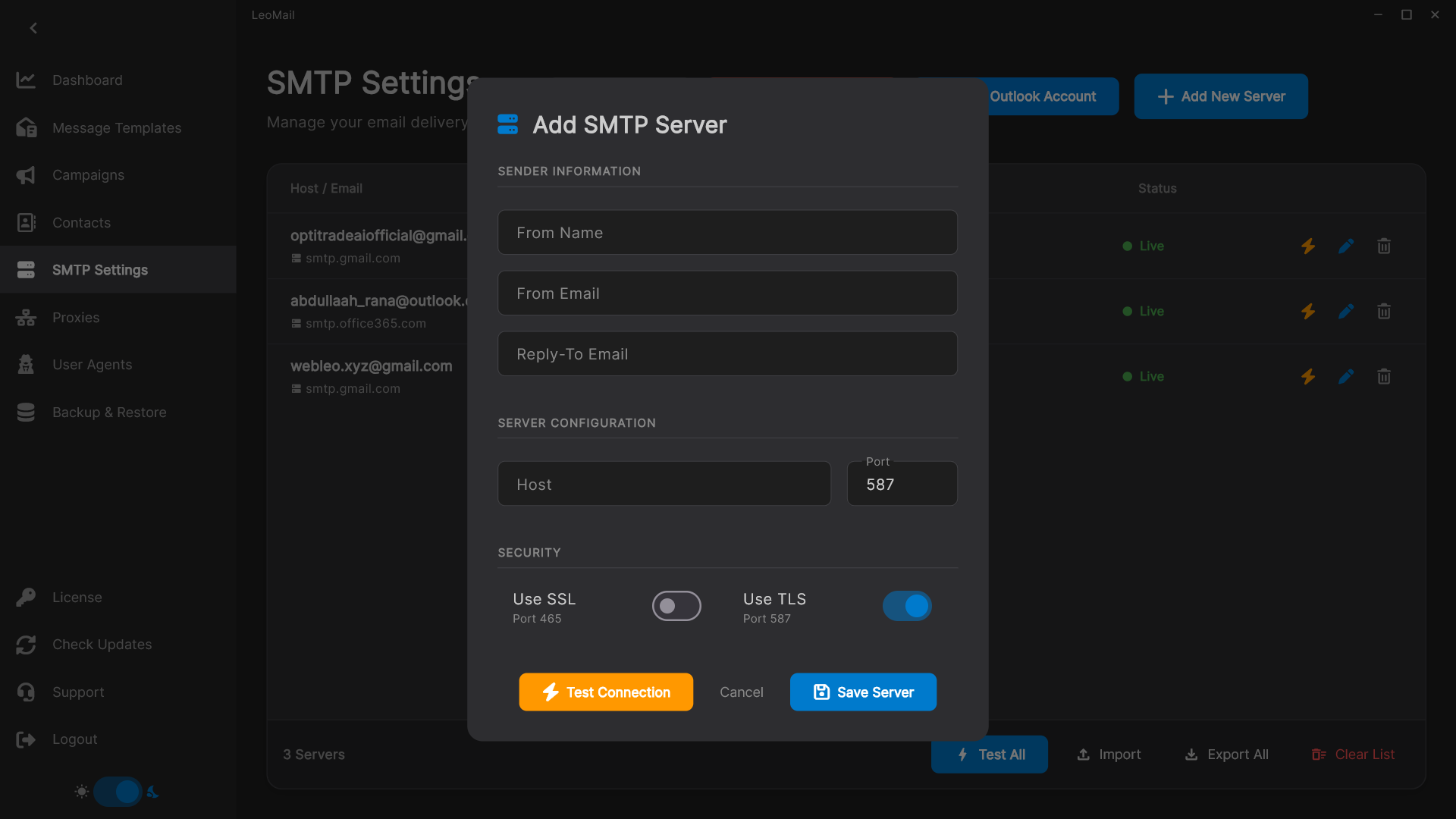
Connect your own SMTP sending service
Use the host, port, credentials, and connection-security settings supplied by your email provider. Confirm that the provider permits your intended campaigns and supports the authentication method available in LeoMail. Having a mailbox alone does not mean that bulk campaign sending is permitted. Provider charges and account limits are separate from your LeoMail license.
Test the connection and the message
Test your sending account before preparing a larger campaign. Send a message to an address you control and check the sender identity, reply address, links, and formatting. Domain authentication is configured with your domain and sending provider; connecting an SMTP account does not automatically establish sender reputation or guarantee inbox placement.
Choose a license after testing your setup
The one-day trial is reviewed manually and starts at first activation. Use that time to verify your actual sending account. If you need several accounts, review the SMTP rotation feature and set limits for each provider before launching a campaign.
Read the campaign setup guide or check the setup and licensing FAQ before requesting a trial.