Contact management
Import and manage contact lists on your computer without a LeoMail per-contact fee.
- Import contacts and review their fields.
- Organize your audience for each campaign.
- Check list quality and permission before sending; formatting checks cannot confirm a mailbox exists.
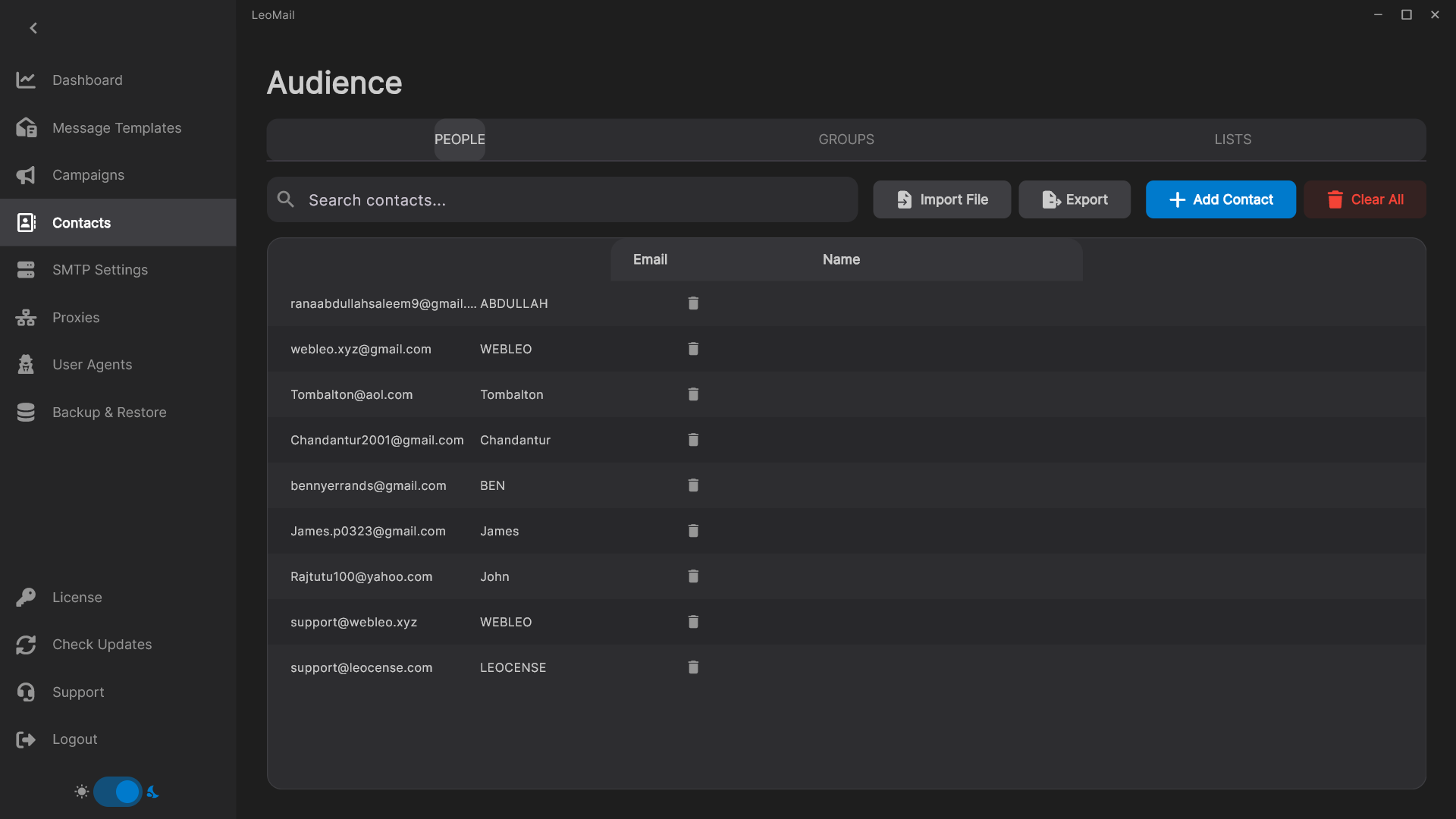
Prepare the audience for an email campaign
Import the contact list you intend to use, then review the fields that your message will reference. Contact management belongs in the same preparation workflow as your templates and sending accounts: check addresses and personalization fields before selecting the recipients for a campaign. Only send to people you are allowed to contact.
Keep contact costs separate from software costs
LeoMail does not charge a software fee for every stored contact. The license is a one-time purchase based on the number of activated computers. Your email provider may still charge for sending and enforce volume limits, so include those costs when comparing desktop email marketing software with a hosted service.
Back up your local workspace
Contacts and drafts are stored on your computer. Make a recoverable backup before changing computers or installing a new version. A license for multiple devices gives each computer its own workspace; it does not automatically synchronize contact lists or campaigns between colleagues.
Read the campaign setup guide or check the setup and licensing FAQ before requesting a trial.